
Hub documentation
Network Security
Network Security
This feature is part of the Enterprise Plus plan.
Define your organization IP Ranges
You can list the IP addresses of your organization’s outbound traffic to apply for higher rate limits and/or to enforce authenticated access to Hugging Face from your corporate network.
The outbound IP address ranges are defined in CIDR format. For example, 52.219.168.0/24 or 2600:1f69:7400::/40.
You can set multiple ranges, one per line.

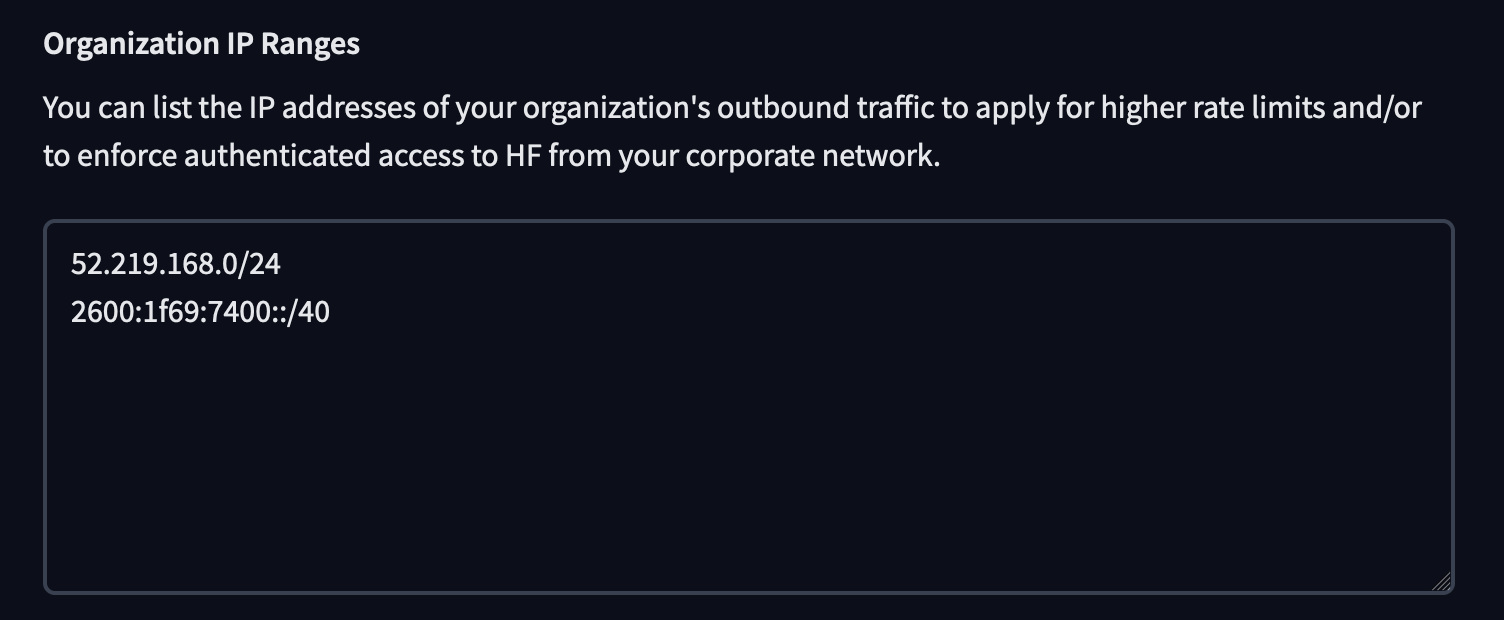
Once organization admins populate the “Organization IP Ranges” in the Network Security settings, a manual verification—carried out jointly by Hugging Face Solution Engineers and the organization’s admins—is required for the “Require login for users in your IP ranges” setting to become available.
After the “Organization IP Ranges” have been manually verified, and the organization admins have enabled both “Restrict organization access to your IP ranges only” and “Require login for users in your IP ranges”, the following flow applies:
- When a user arrives on the platform, their IP address is checked.
- If the IP falls within the organization’s defined ranges, the user must authenticate (via the organization’s SSO if enabled).
- Once authenticated, the Content Access Policy determines which resources the user can access.
Higher Hub Rate Limits
Most of the actions on the Hub have limits; for example, users are limited to creating a certain number of repositories per day. Enterprise Plus automatically gives your users the highest rate limits possible for every action.
Additionally, once your IP ranges are set, enabling the “Higher Hub Rate Limits” option allows your organization to benefit from the highest HTTP rate limits on the Hub API, unlocking large volumes of model or dataset downloads.
For more information about rate limits, see the Hub Rate limits documentation.

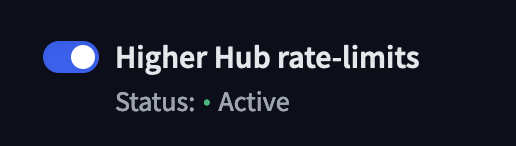
Restrict organization access to your IP ranges only
This option restricts access to your organization’s resources to only those coming from your defined IP ranges. No one can access your organization resources outside your IP ranges. The rules also apply to access tokens. When enabled, this option unlocks additional nested security settings below.
Require login for users in your IP ranges
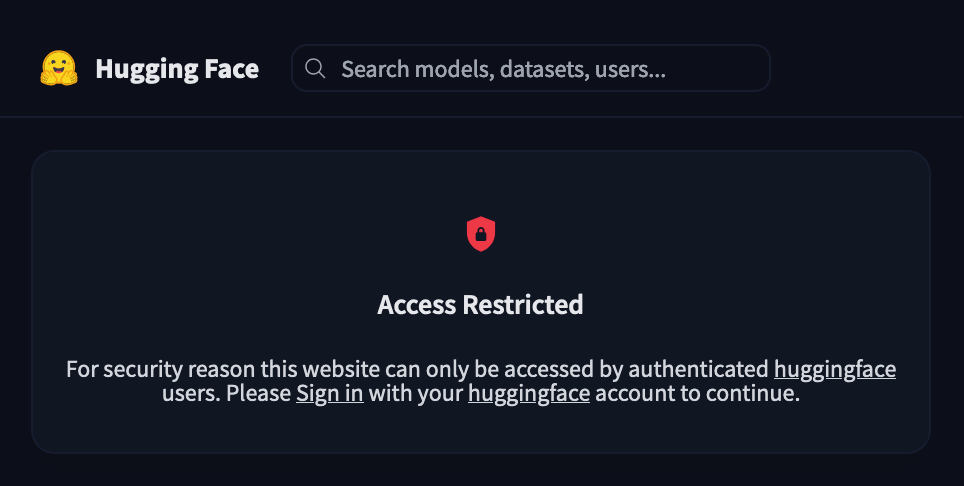
When this option is enabled, anyone visiting Hugging Face from your corporate network must be logged in and belong to your organization (requires a manual verification when IP ranges have changed). If enabled, you can optionally define a content access policy.
All public pages will show the following message if access is unauthenticated:

Content Access Policy
Define a fine-grained Content Access Policy by blocking certain sections of the Hugging Face Hub.
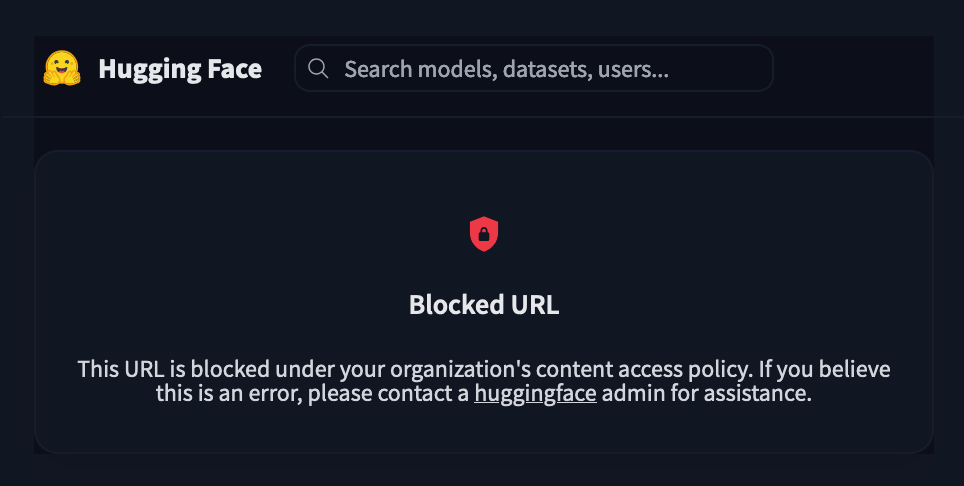
For example, you can block your organization’s members from accessing Spaces by adding /spaces/* to the blocked URLs. When users of your organization navigate to a page that matches the URL pattern, they’ll be presented the following page:

To define Blocked URLs, enter URL patterns, without the domain name, one per line:

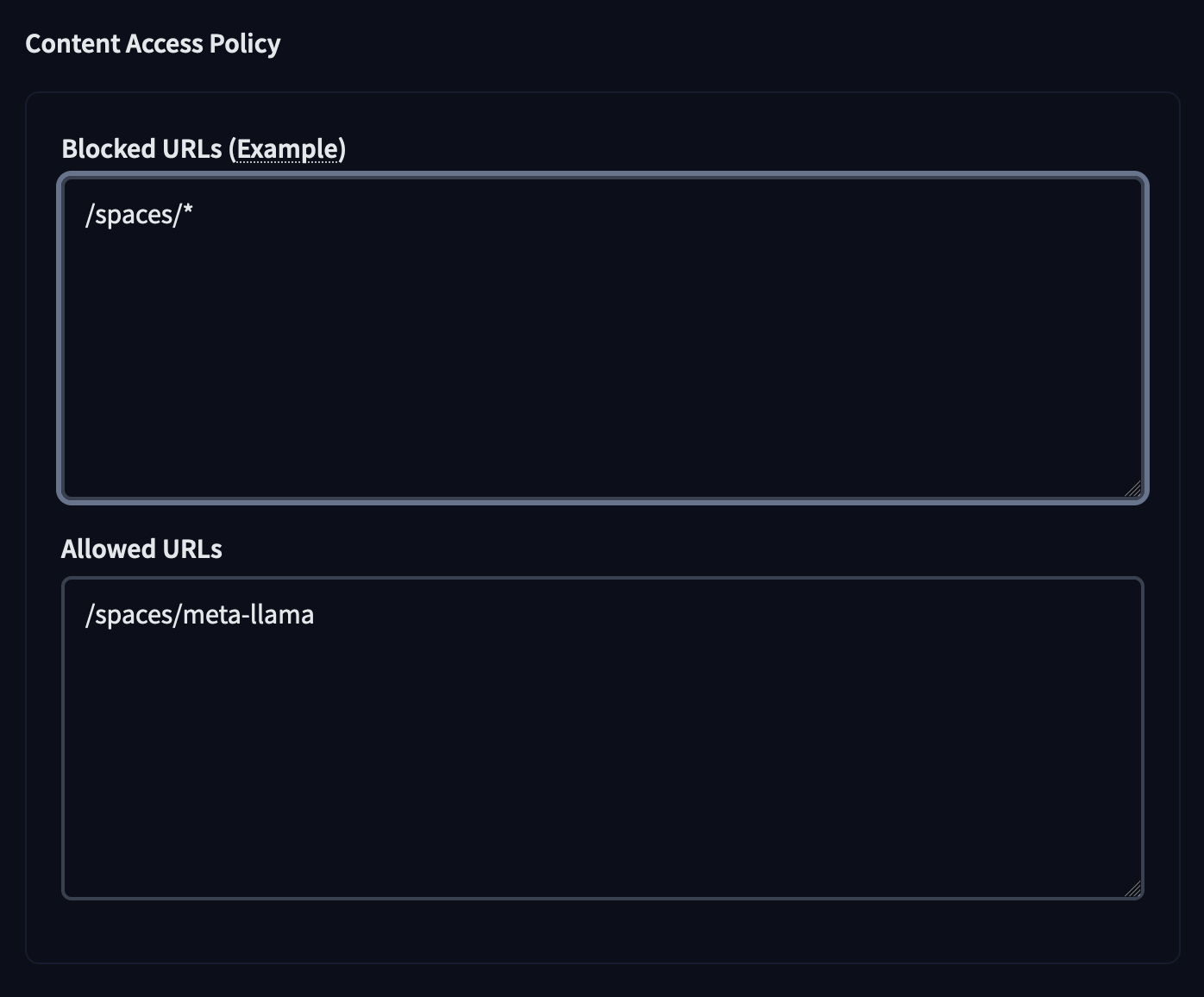
The Allowed URLs field, enables you to define some exception to the blocking rules, especially. For example by allowing a specific URL within the Blocked URLs pattern, ie /spaces/meta-llama/*